Keyboard shortcuts and in-page sections

Monocolor 5.0.3Moodle Theme

I rebuilt Monocolor in 2026.

It was already a quieter Moodle layout. I put it on the new core and added the builders, course filter, and dark mode. The interface itself only shifted a little.

  • Platform Moodle The package includes a Moodle 4.5 LTS version. It is a legacy release from before v5, so the look differs from the current theme. General support ended on 6 October 2025. Security support ends on 4 October 2027. Moodle releases (opens in a new tab), 5.1, 5.2, 5.3 LTS
  • Payment One-time payment, lifetime access
  • Updates Included for Moodle 5.x
Release: October 7, 2026 Updated: October 7, 2026 What's new

Monocolor was a quieter Moodle layout: less chrome, higher contrast, course content in front. I kept that look when I rebuilt it in 2026.

The 2026 release is the new core: Front Page Builder, Menu Builder, course filter, dark mode, live customizer, and a custom enrollment page. Those tools were not in the older Monocolor. The screens themselves only changed a little.

Monocolor belongs with Scholastica, Universe, and BAZIS. Same builders. Different surfaces. This one stays spare.

The quiet look stayed.

I rebuilt Monocolor in 2026, but kept the part that always defined it: less visual noise and more room for the course itself. The dashboard, catalog, and course pages only changed where the old interface needed it.

Person at a desk using the Monocolor Moodle theme on a large monitor

Interface

Dashboard, catalog, calendar, enrollment, and login use the same spare Monocolor screens. I only adjusted them in 2026.

Built on the RoseaThemes core

In 2026 I moved Monocolor onto the same Bootstrap 5 core as Scholastica, Universe, and BAZIS. The admin tools are shared between them, but the interface is not. Monocolor keeps its own restrained layout and visual direction while using the same builders, settings, and maintenance tools underneath.

  • Settings import / export

    Move a finished configuration between staging, production, and other Moodle sites.

  • Front Page Builder

    Build the front page from hero, course, video, testimonial, and custom HTML sections.

  • Menu Builder

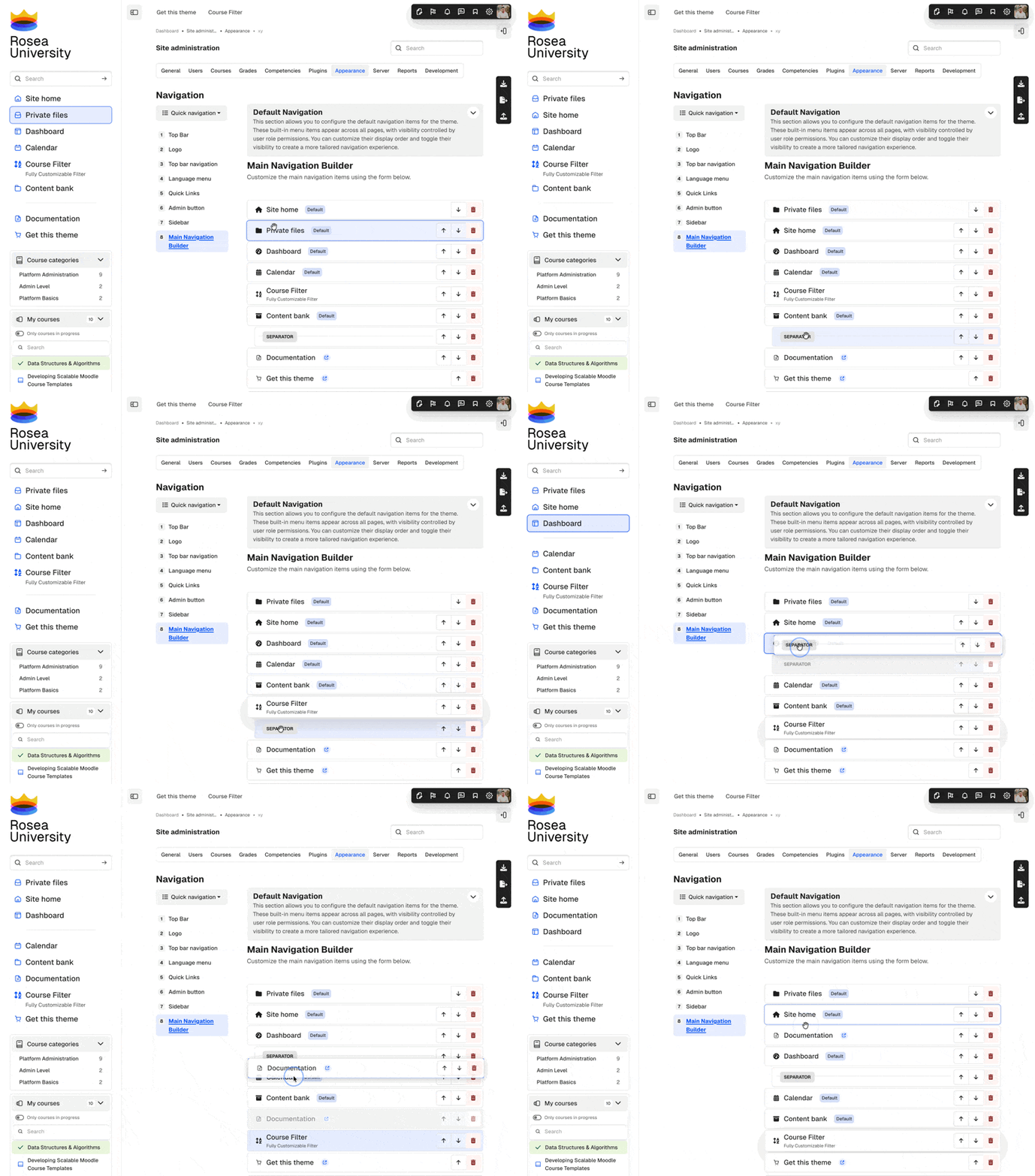
    Build and reorder navigation directly from the theme settings.

  • Live customizer

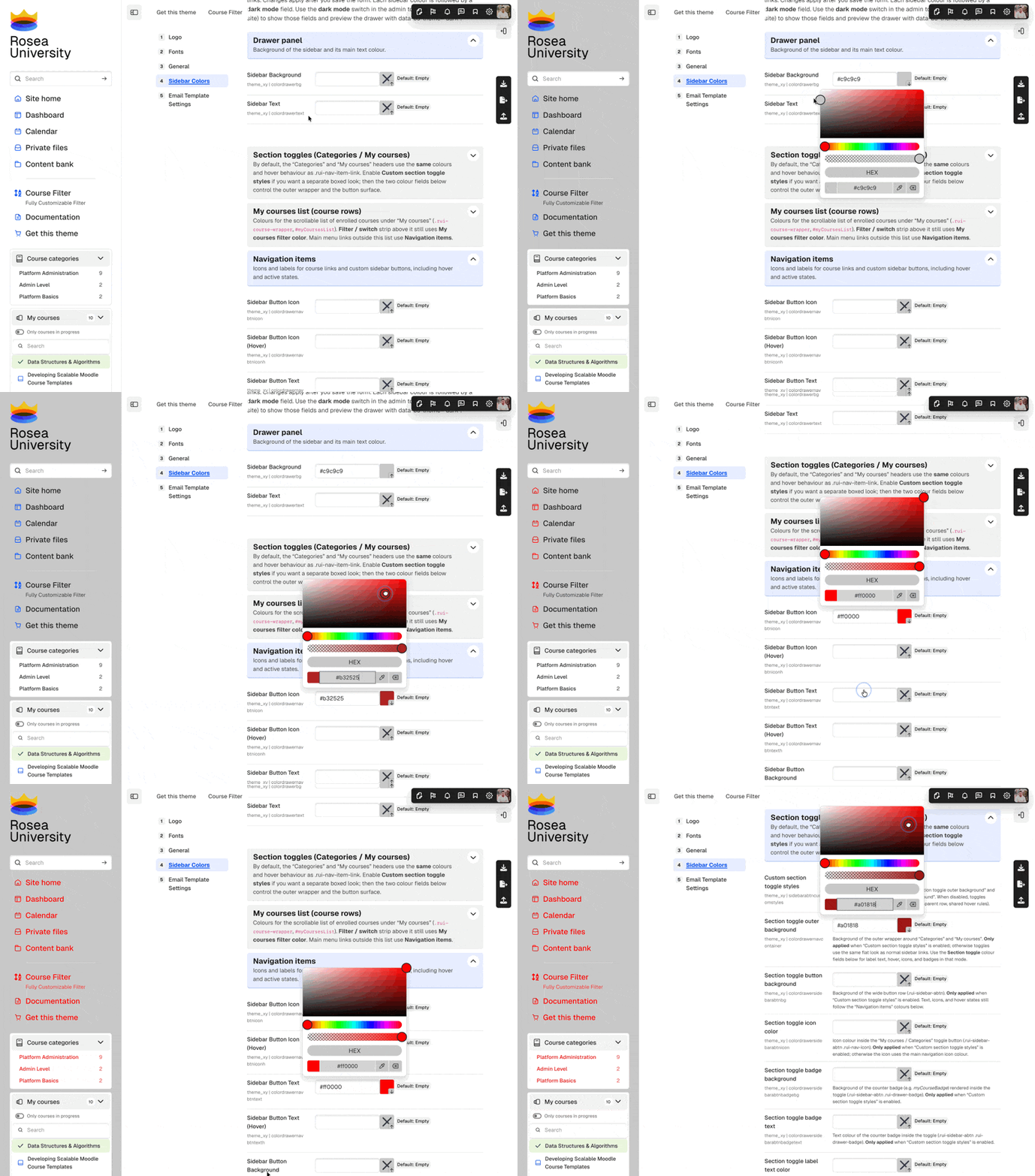
    Preview colours, typography, and layout changes before saving them.

  • Email branding

    Apply your logo, colours, and footer styling to Moodle notification emails.

  • Dark mode and RTL

    Use the same Monocolor layout in dark mode and with right-to-left languages.

Rosea plugins included with Monocolor

Regular, Commercial, Extended, and Ultra licenses purchased directly from RoseaThemes include three additional blocks styled to fit Monocolor.

These plugins are included with Regular, Commercial, Extended, and Ultra licenses, but not Solo. They are supplied with purchases made through Lemon Squeezy or directly by invoice from RoseaThemes. MoodleMarket packages contain the Monocolor theme only.

Other Rosea plugins

I also build smaller Moodle plugins for problems that sit outside the theme itself: custom pages, consent, alerts, search, and reporting.

  • Custom Alerts

    Publish site-wide or course-specific announcements without editing the theme.

  • Rosea Global Search

    Search courses, activities, and site content directly from the header.

  • Rosea User Stats

    Show learners their progress and learning statistics inside the profile area.

WCAG

Monocolor adds skip links, keyboard-operable controls, focus styles, and ARIA wiring in templates controlled by the theme. Moodle Core, plugins, course content, and custom brand colors still require separate testing.

  • Meet WCAG

    Keyboard paths, semantics, and structure tested in theme-owned Moodle surfaces.

  • AA contrast

    Typography, controls, and UI spacing aimed at common AA contrast targets.

  • AAA-ready paths

    Skip links, focus rings, and high-contrast flows where Monocolor controls the markup.

  • WCAG 2.1

    Theme improvements align with WCAG 2.1 success criteria on overridden templates.

Choose the license that matches your project

One-time payment, lifetime access.

Solo

very small Moodle sites, up to 500 students

For individual teachers and professors running a very small non-commercial Moodle site.

$149 + tax

Regular

Unlimited

For non-commercial schools, non-profits, and freelancers.

$239 + tax

Extended

Unlimited

For growing schools, companies, and agencies doing custom development with a child theme.

$999 + tax

Ultra

Unlimited

Extended license scope plus custom theme work by the author, quoted after we agree on requirements, scope, and schedule.

from $2,499 net

Prices exclude tax. VAT or local sales tax may apply at checkout.

Invoice by RoseaThemes

yes no text = limit or extra info

License comparison: Solo, Regular, Commercial, Extended, Ultra.
Feature Solo Regular Commercial Extended Ultra
Best forIndividual educators running small Moodle sitesNon-commercial schools, non-profits, and freelancersFreelancers, companies, and LMS providersOrganizations requiring advanced customizationOrganizations needing a custom Moodle solution
Site sizeUp to 500 studentsUnlimitedUnlimitedUnlimitedUnlimited
Organization typeIndividual educator or non-profitNon-commercial educational institution, non-profit, or freelancerCommercial organizationEducational or commercial organizationEducational, commercial, or enterprise organization
Commercial use✓✓✓
Selling courses or paid access✓✓✓
Production Moodle deployments1 production site1 production site1 production siteMultiple production sites within one organizationCustom licensing
Development and staging environments✓✓✓✓✓
Lifetime access✓✓✓✓✓
Updates for Moodle 5.x✓✓✓✓✓
Developer child theme included✓✓✓
Rosea plugins included✓✓✓✓
Use across multiple departments✓✓
Custom Moodle solution by RoseaThemes✓
Support and updatesBest-effort supportBest-effort supportResponse within 24 hoursPriority supportPriority support
Price$149$239$399$999Starting at $2,499 excl. tax
  • All licenses include lifetime access to the purchased product. Updates are included for the Moodle 5.x major-version line. Moodle 6.x and later major Moodle versions are not included and may require a separate license or paid upgrade.
  • Support priority defines the expected response speed, not a guarantee that every issue can be fixed immediately.
  • Extended covers one organization-wide advanced deployment, for example one university across departments, faculties, or campuses. It is not intended for multiple unrelated clients.
  • These plugins are included with Regular, Commercial, Extended, and Ultra licenses, but not Solo. They are supplied with purchases made through Lemon Squeezy or directly by invoice from RoseaThemes. MoodleMarket packages contain the Monocolor theme only.