


Designed to help you build your own learning universe: dynamic, colorful, and made for engagement. Every element is crafted to deliver a modern Moodle experience that feels intuitive, fast, and visually consistent.
From custom course branding to advanced filtering, everything works together to create a seamless journey for your users. Scale from a single platform to complex multi-tenant environments without losing clarity or control.
Built on years of real-world experience and continuous improvements, Universe is trusted by organizations worldwide. A future-ready solution that grows with your platform, combining flexibility, performance, and long-term reliability.
Built for everyday Moodle work.
Dashboard layout, course discovery, and navigation stay consistent across the screens your teams open most.

Refined. Reliable. Ready for modern Moodle.
Universe brings a polished interface, smoother navigation, and practical upgrades across the surfaces teams use every day.
From front-page blocks and course cards to admin customization and accessibility-minded layouts, Universe keeps Moodle sites clear and engaging.
Interface

Dashboard
Calendar

Course UI
Enrollment UI
Blog
My Profile
Login Page

Default Moodle Modules Redesigned
Admin Options
Configure branding, navigation, and platform structure from theme settings—without writing code.

Options Exporter / Importer
Front Page Builder
Menu Builder
Live Builder
Custom Email Branding
Rosea plugins styled for Universe
Extend your Moodle experience with popular Rosea plugins styled for Universe at no extra cost. Designed to match the theme beautifully, they help you build richer courses faster—without extra setup or styling work.
Plugin availability depends on your license and purchase channel. See licensing details below for Solo vs bundled options.

Rosea Admin Stats
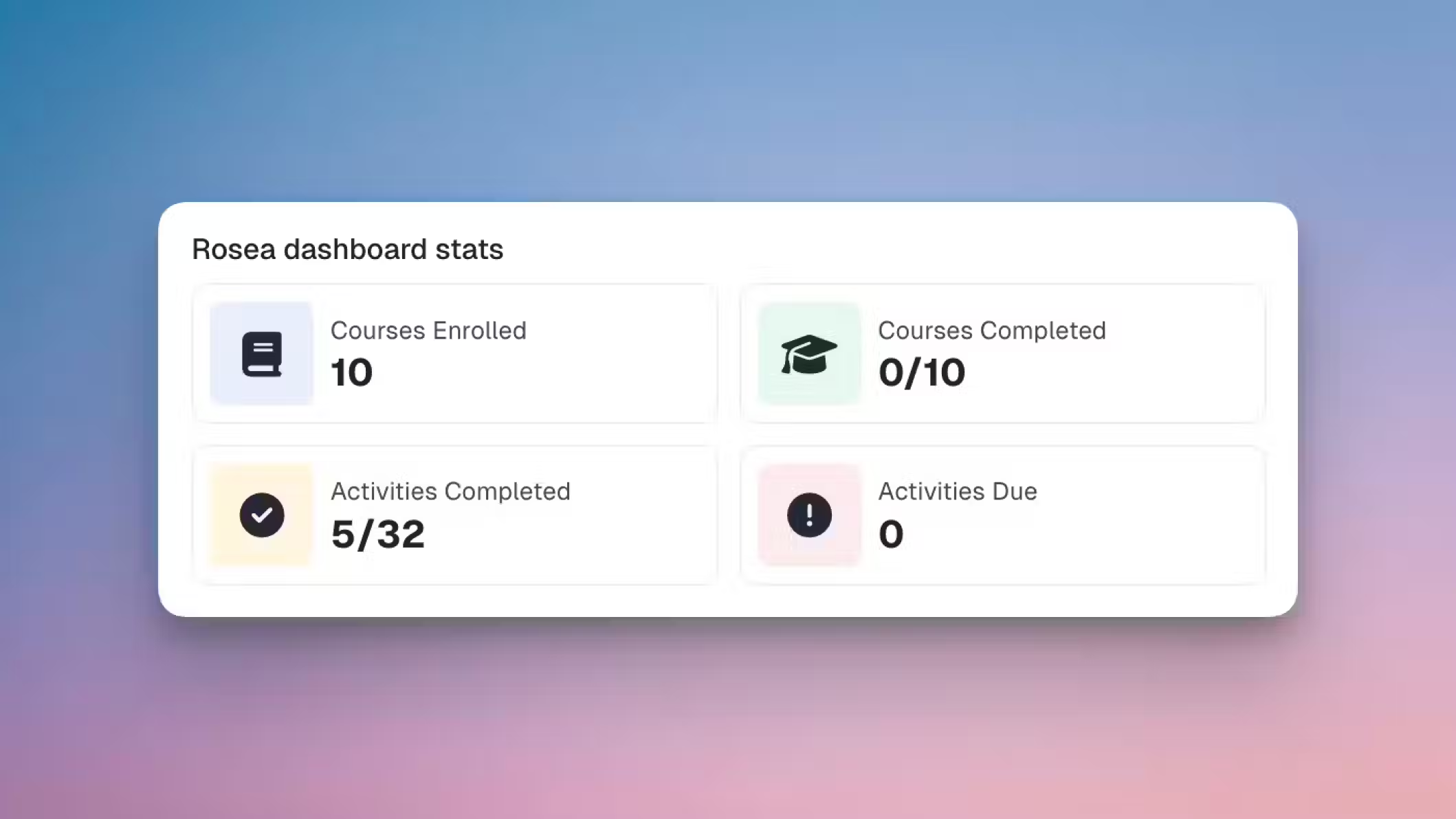
Rosea Dashboard Stats
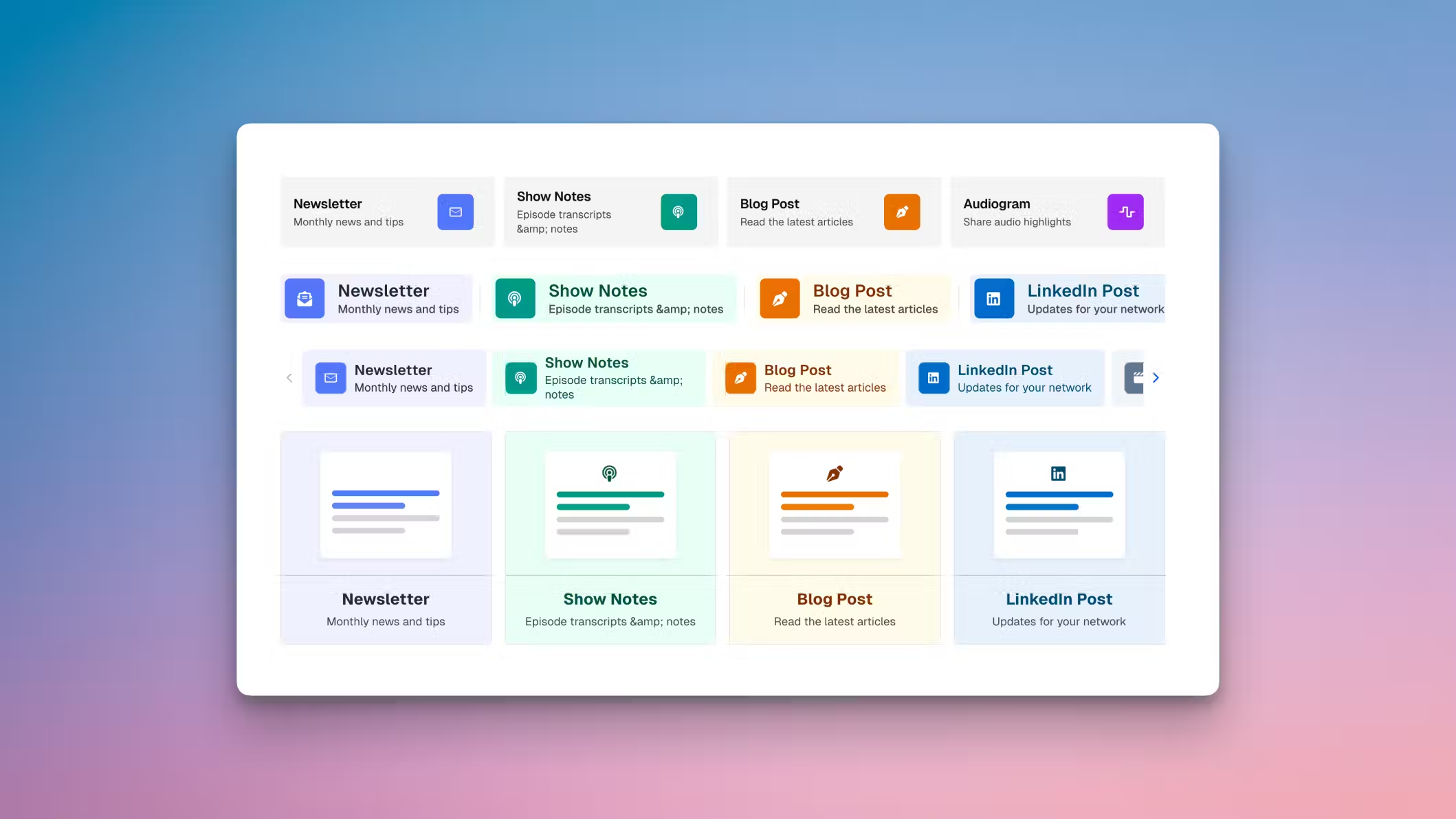
Rosea Buttons


WCAG
Fast pages and accessible paths are part of the product—not an afterthought. Space is tuned for PageSpeed performance and tested against WCAG accessibility goals.