


Overview
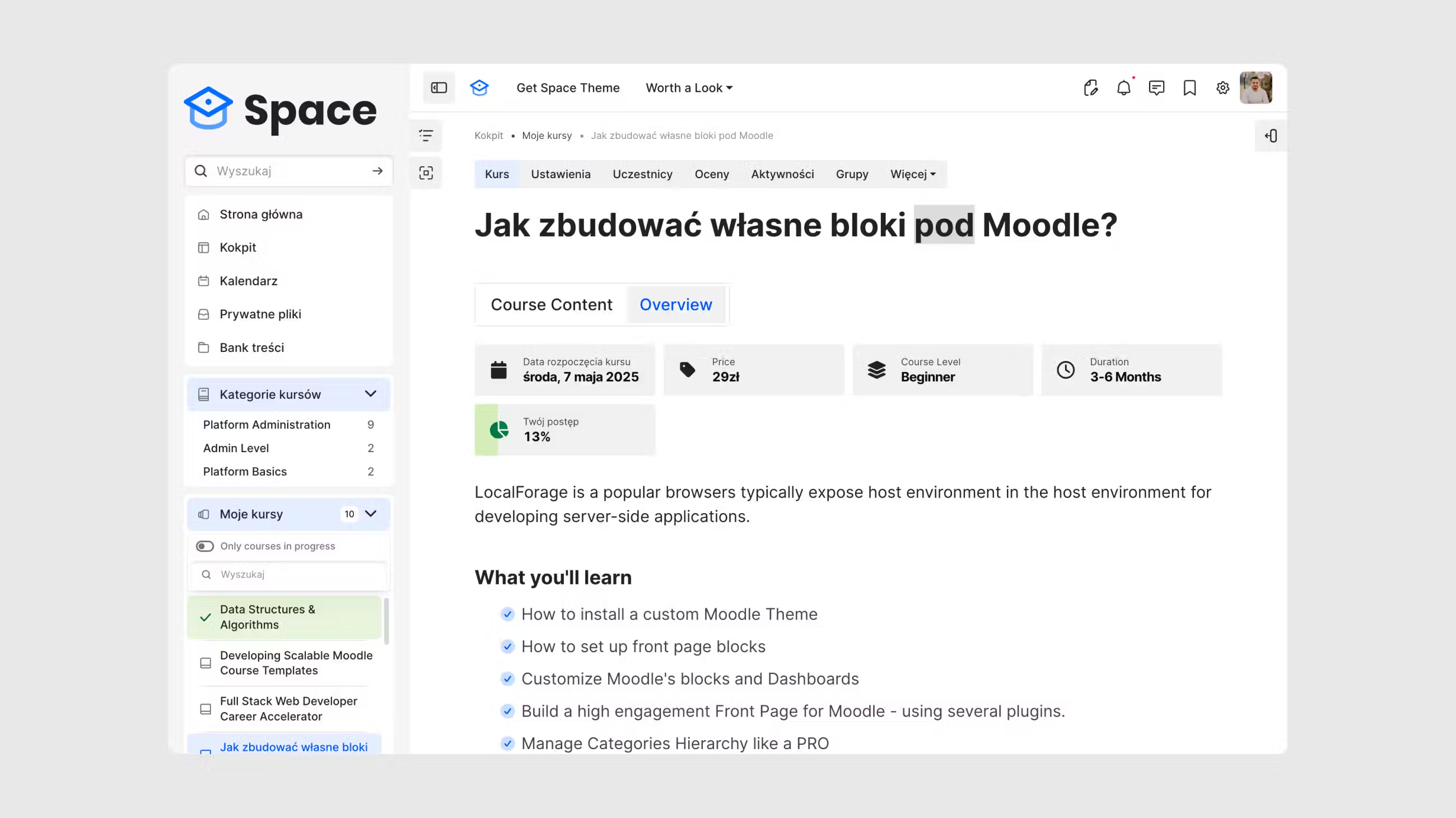
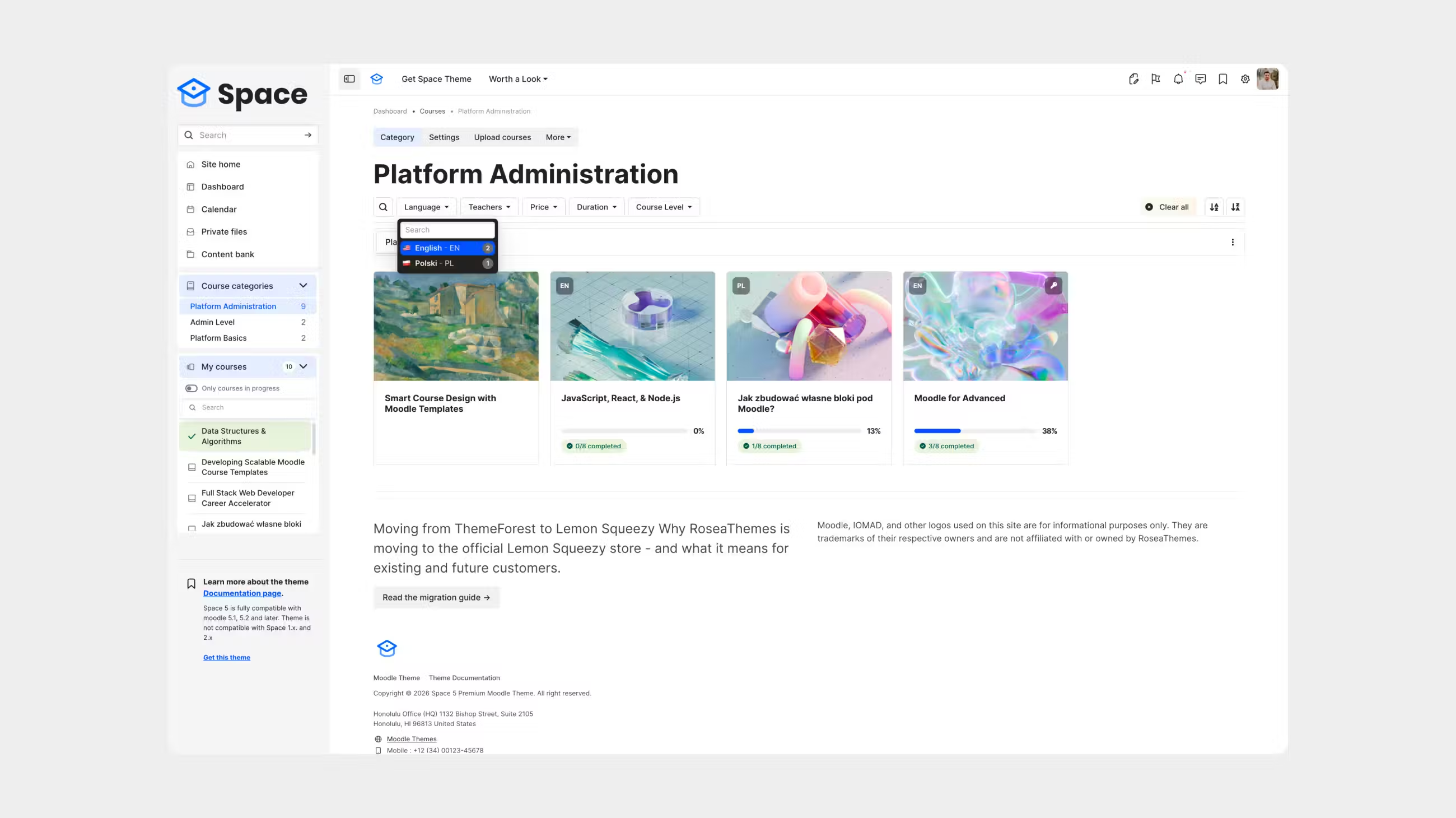
Space keeps the main navigation in a left sidebar. Your users can move between courses, the dashboard, and other pages without looking for a new menu.
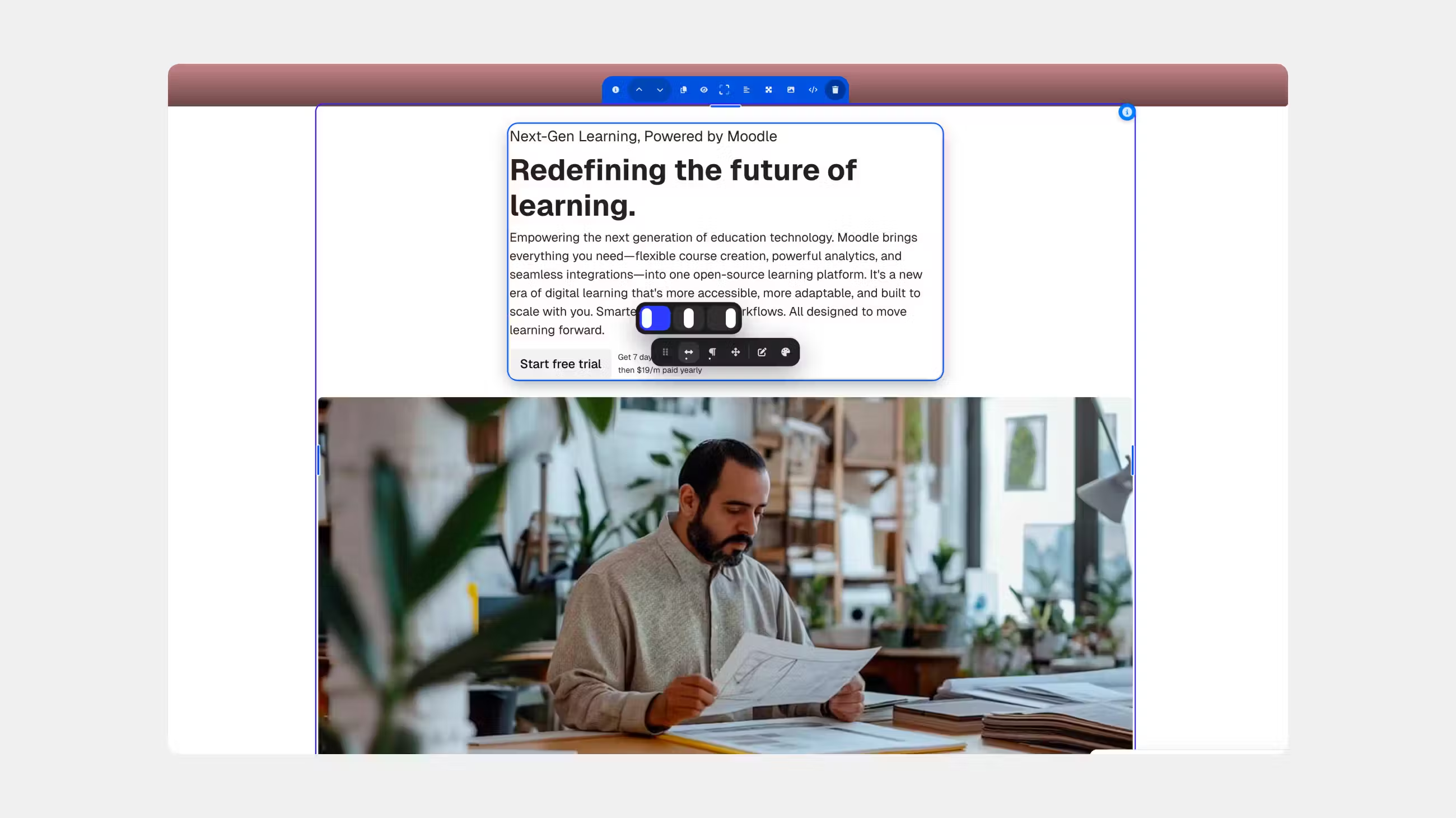
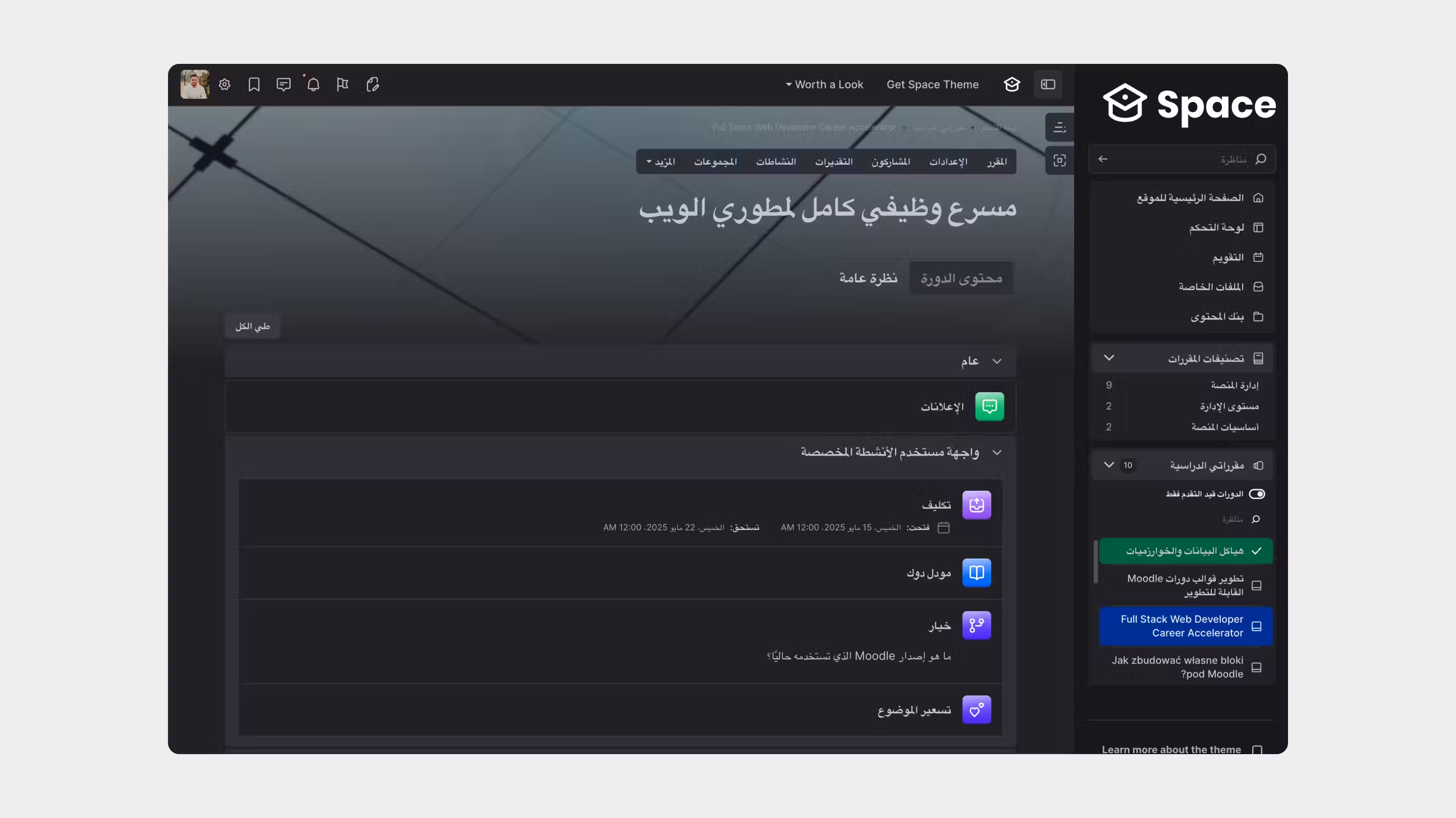
Build your front page and menus from the theme settings. You can also adjust colors and typography, use dark mode, and preview changes before saving.
I first released Space in 2018. It now shares its builders and admin tools with Alpha and XY, while keeping its own sidebar layout.
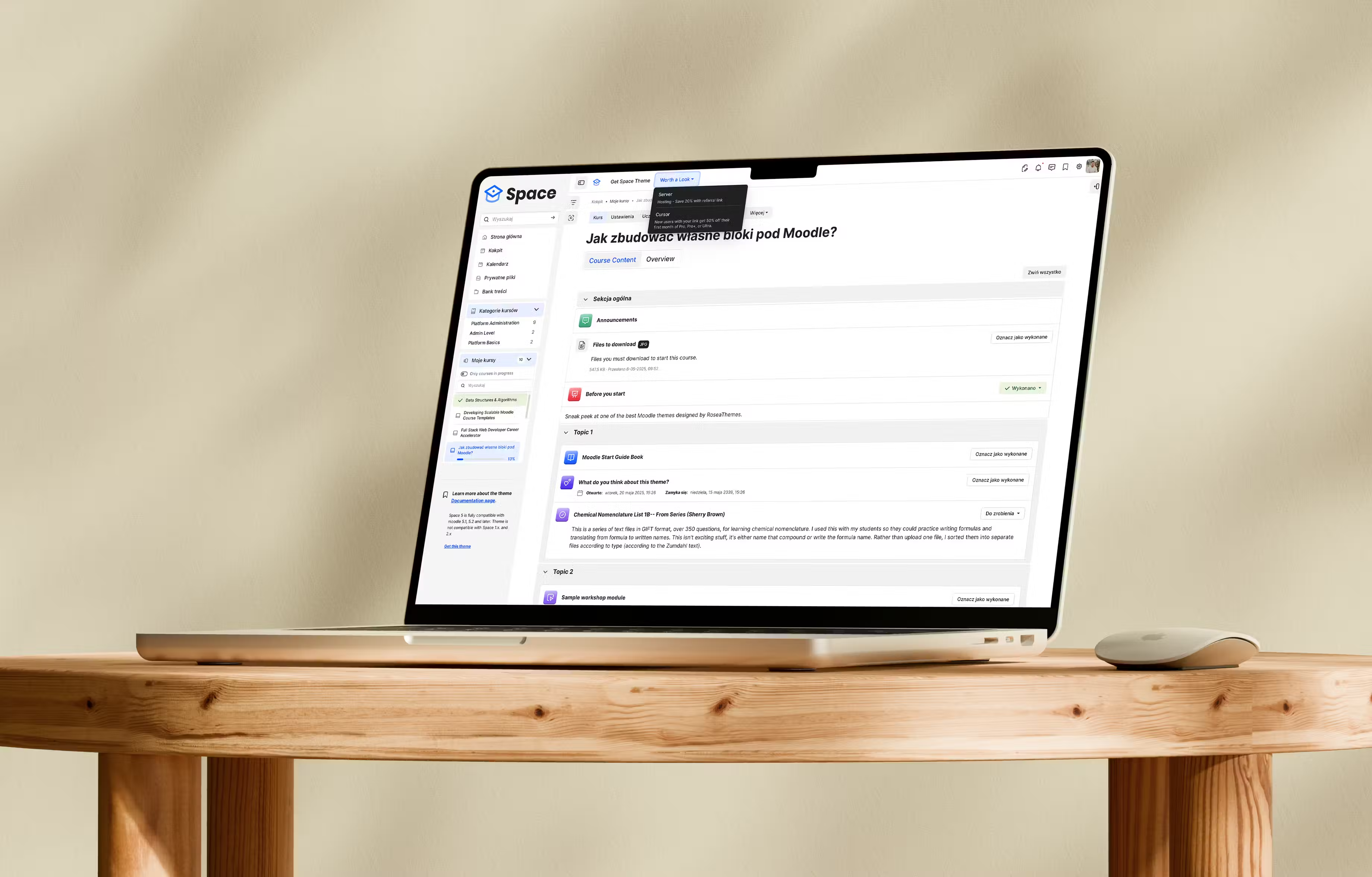
The sidebar stays on the left.
Leave the dashboard for a course, the calendar, or a profile, and the menu is still beside the page. Space has used this layout since 2018.

Feature summary
Interface
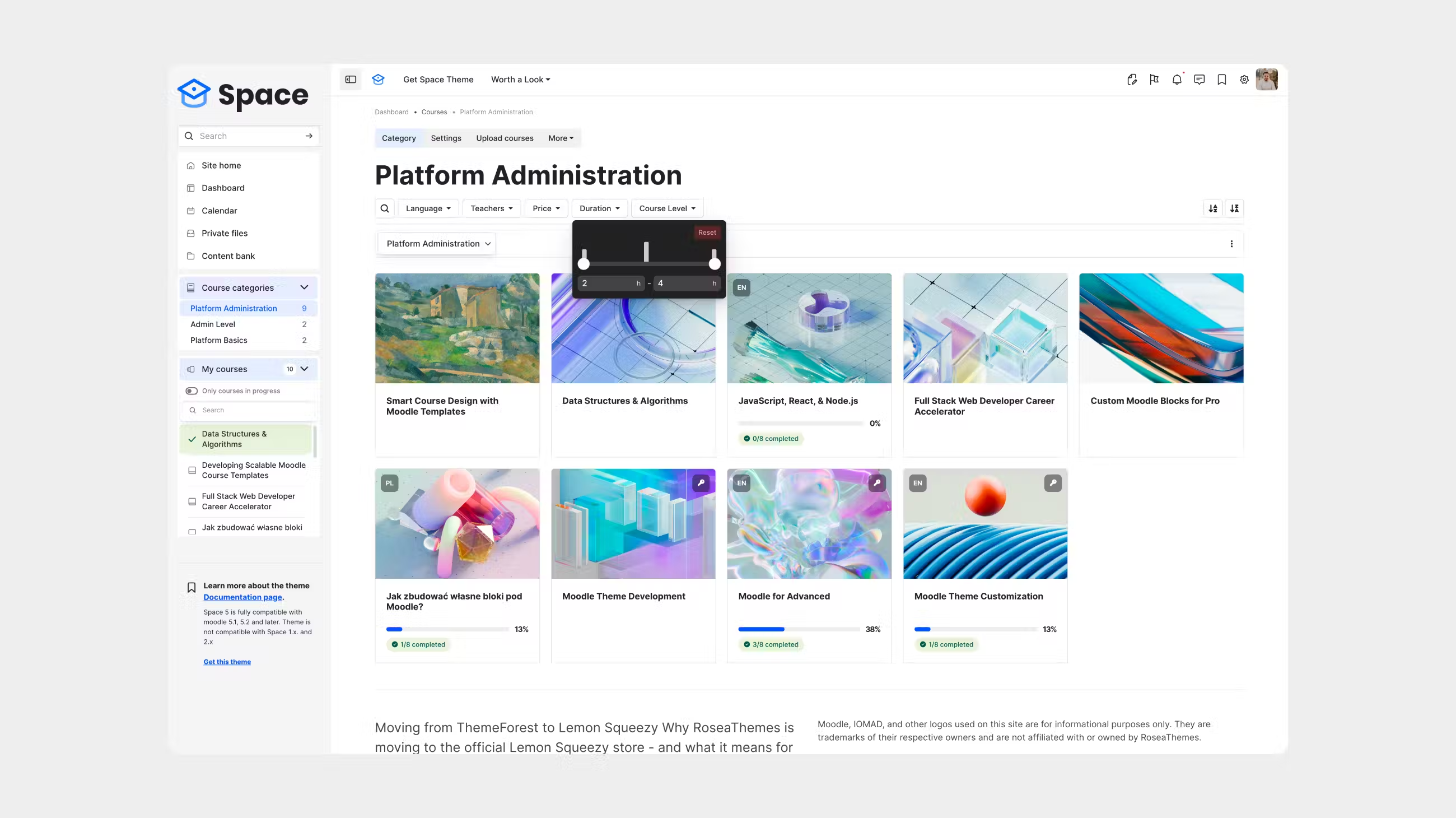
Dashboard, courses, enrollment, profile, and login keep the same Space screens. The sidebar stays on the left.
Dashboard

Calendar
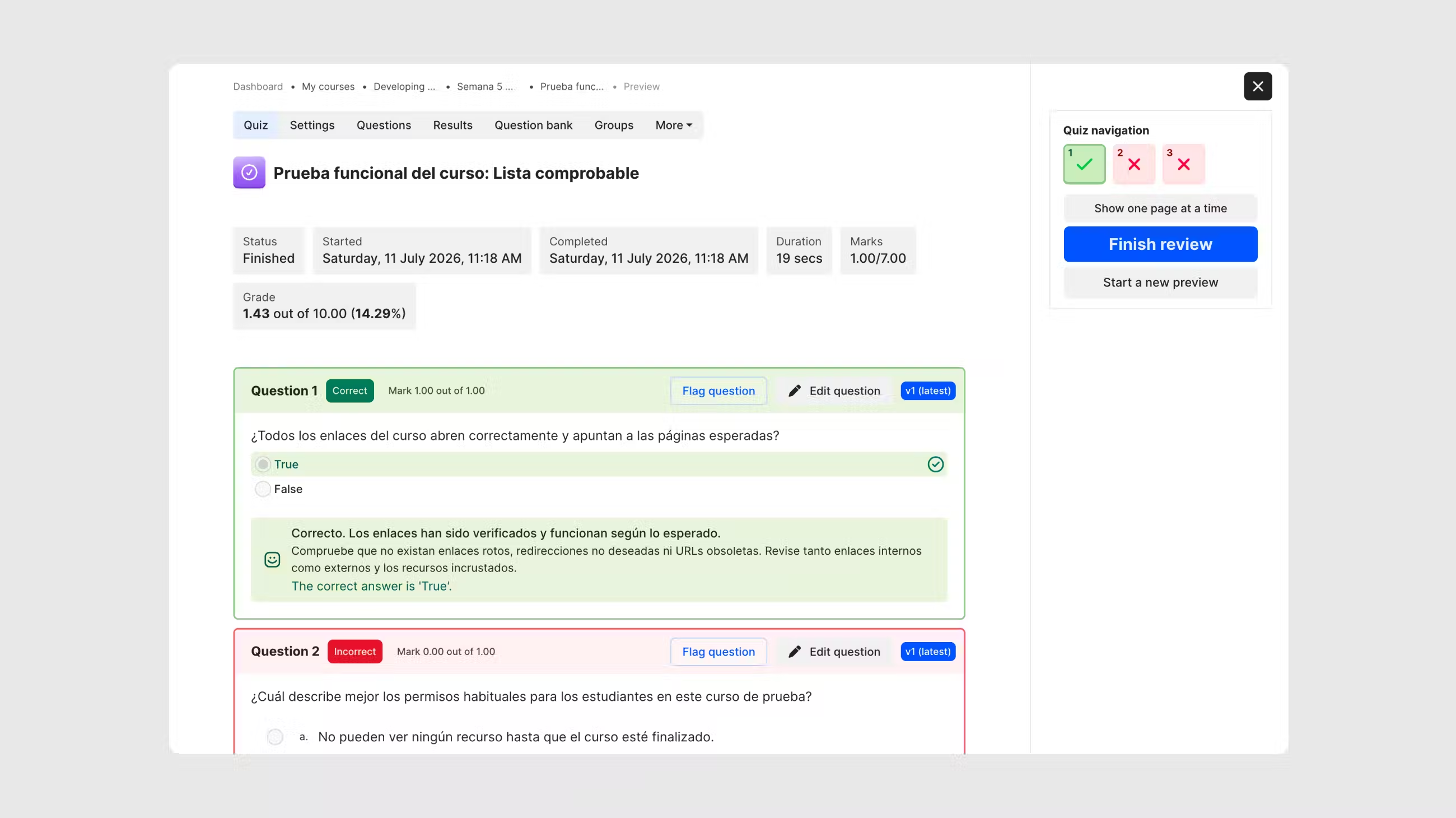
Course page
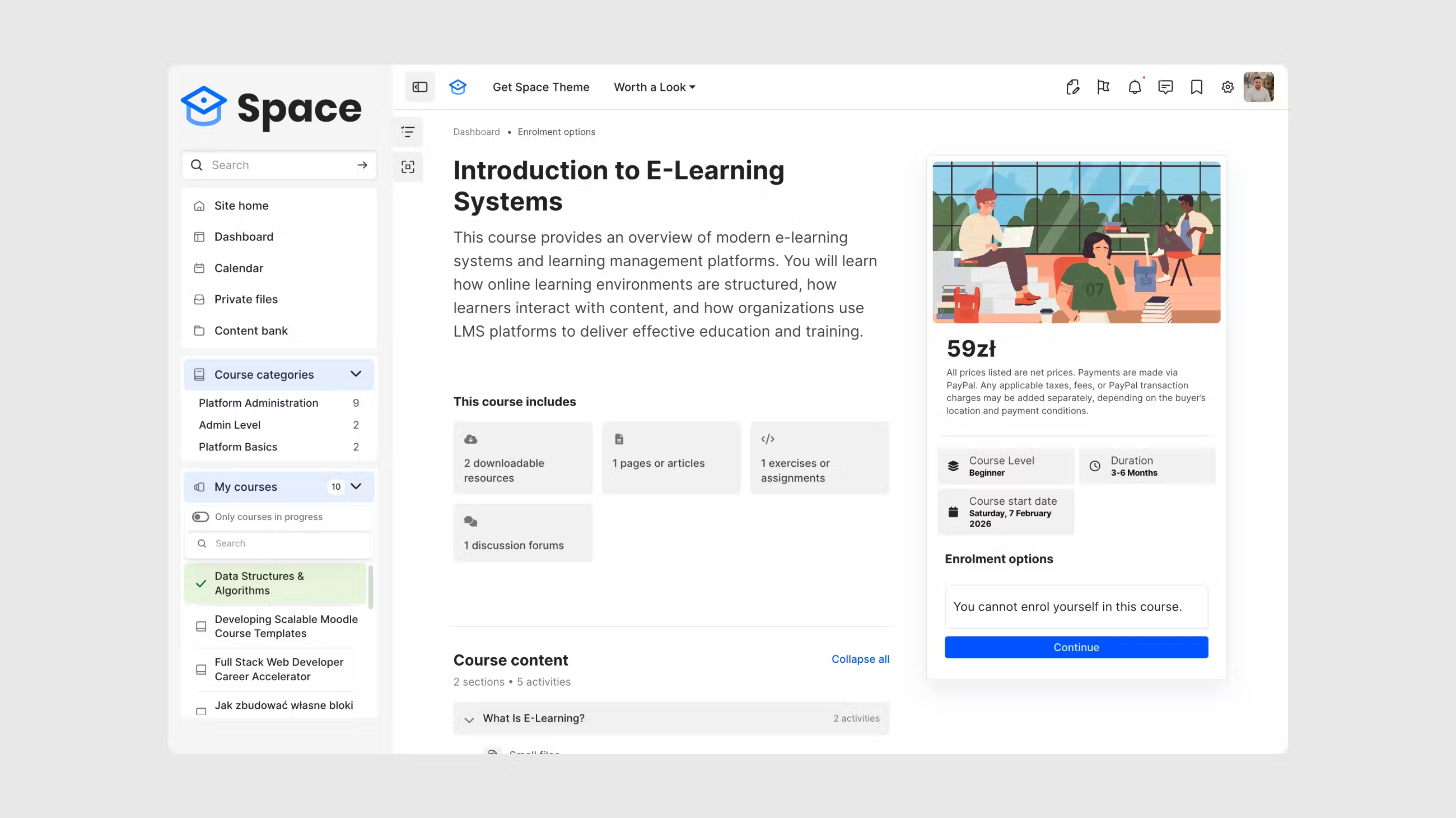
Enrollment page
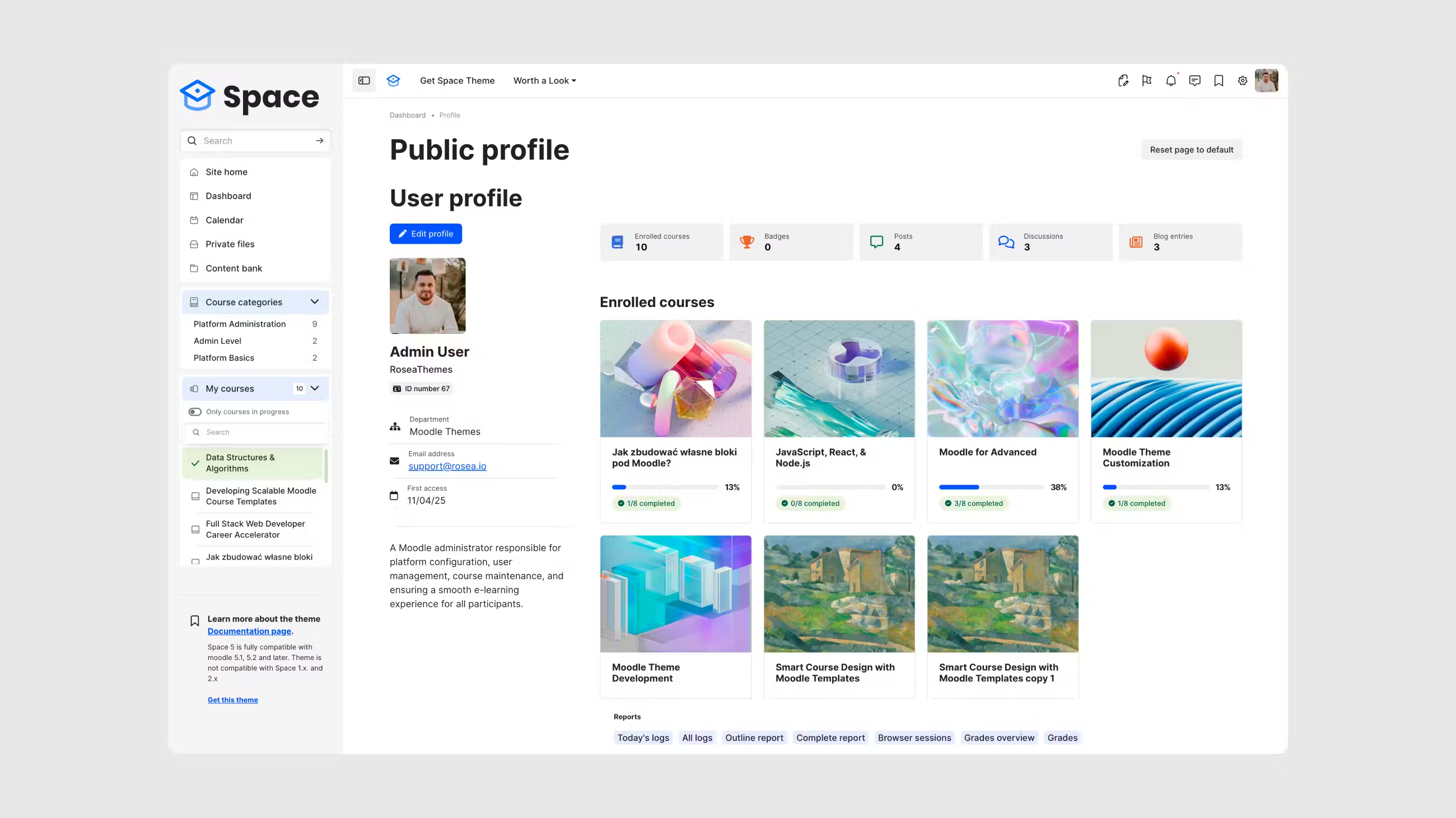
My Profile
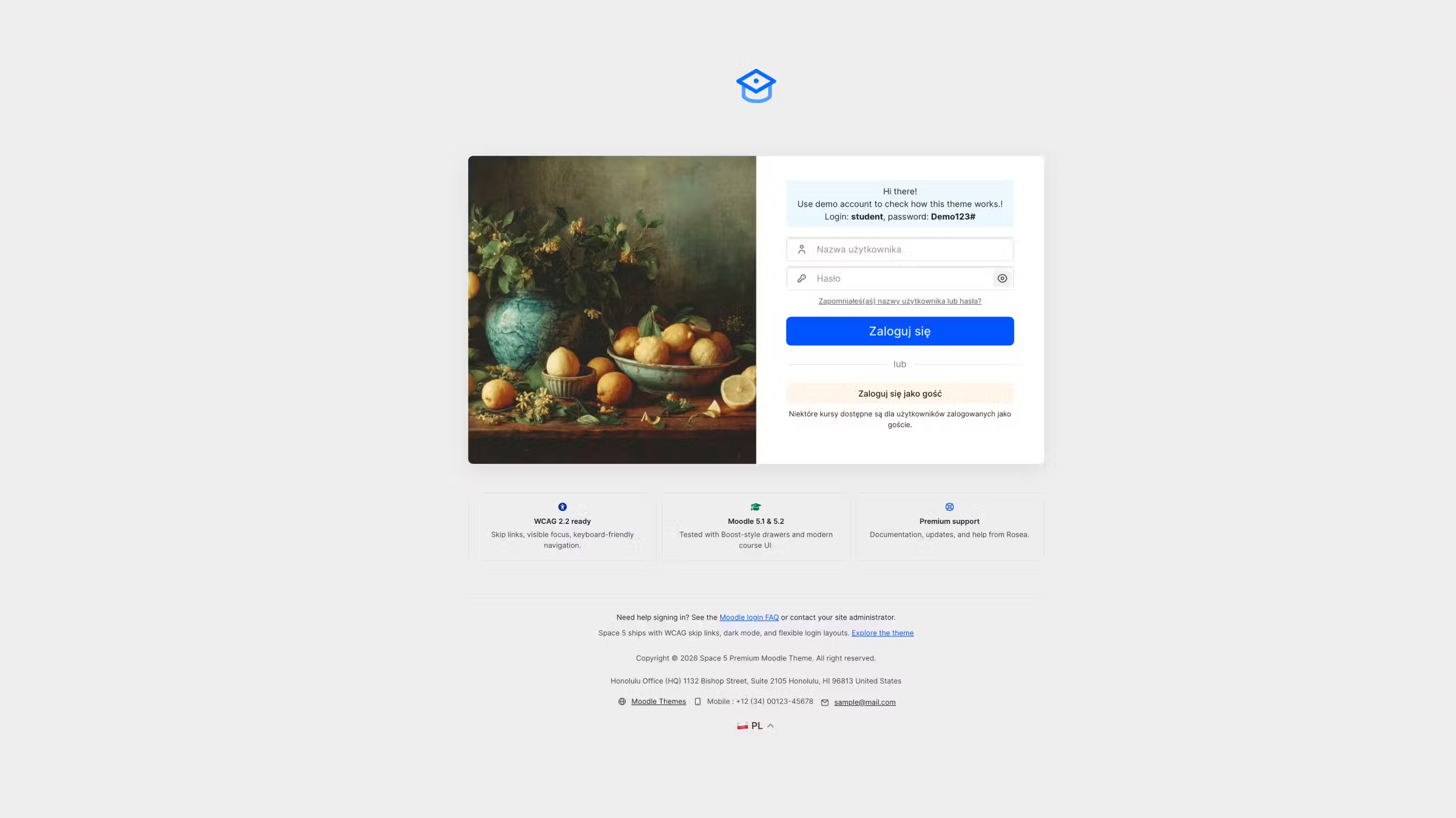
Login Page
Built on the RoseaThemes core
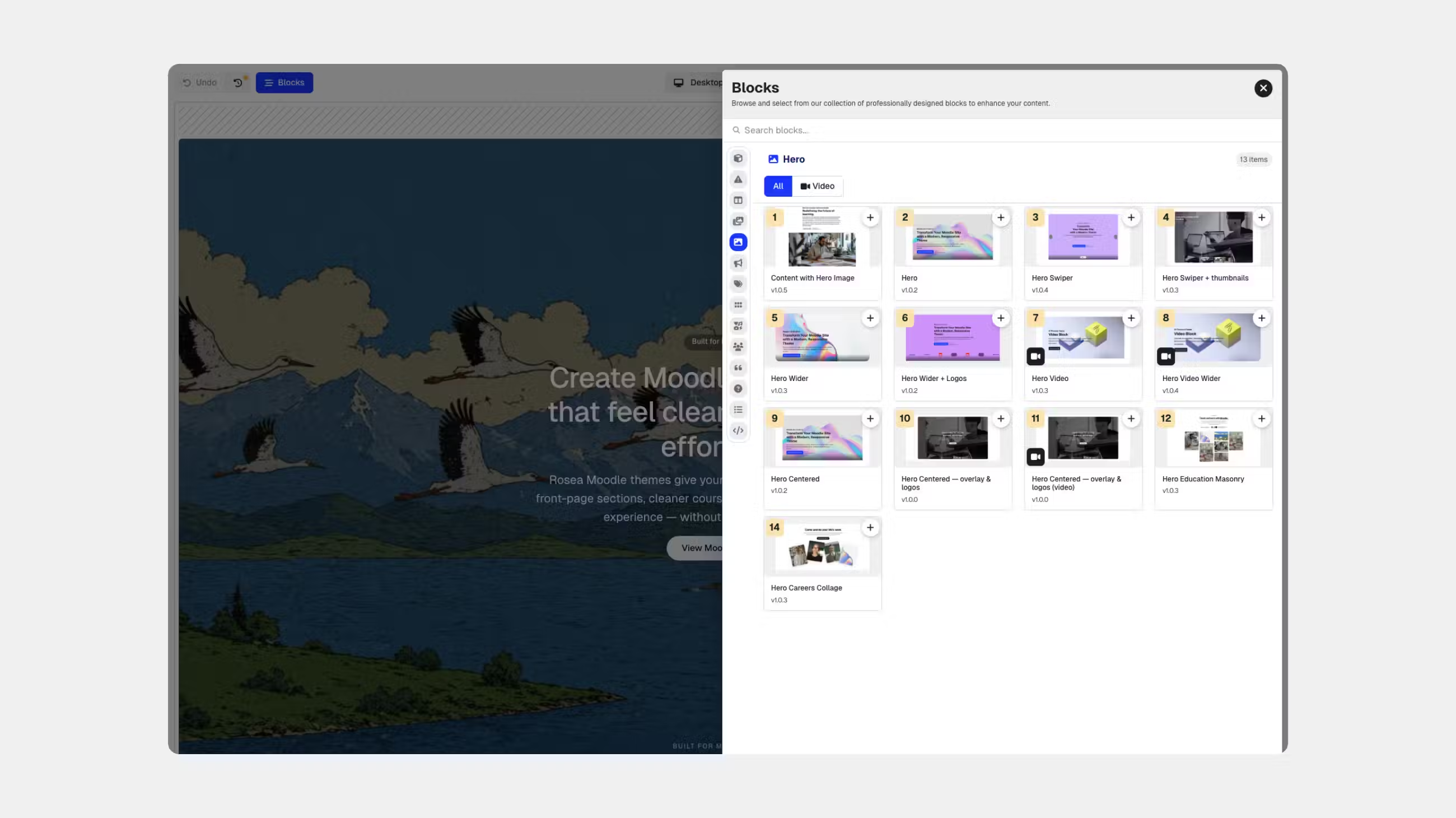
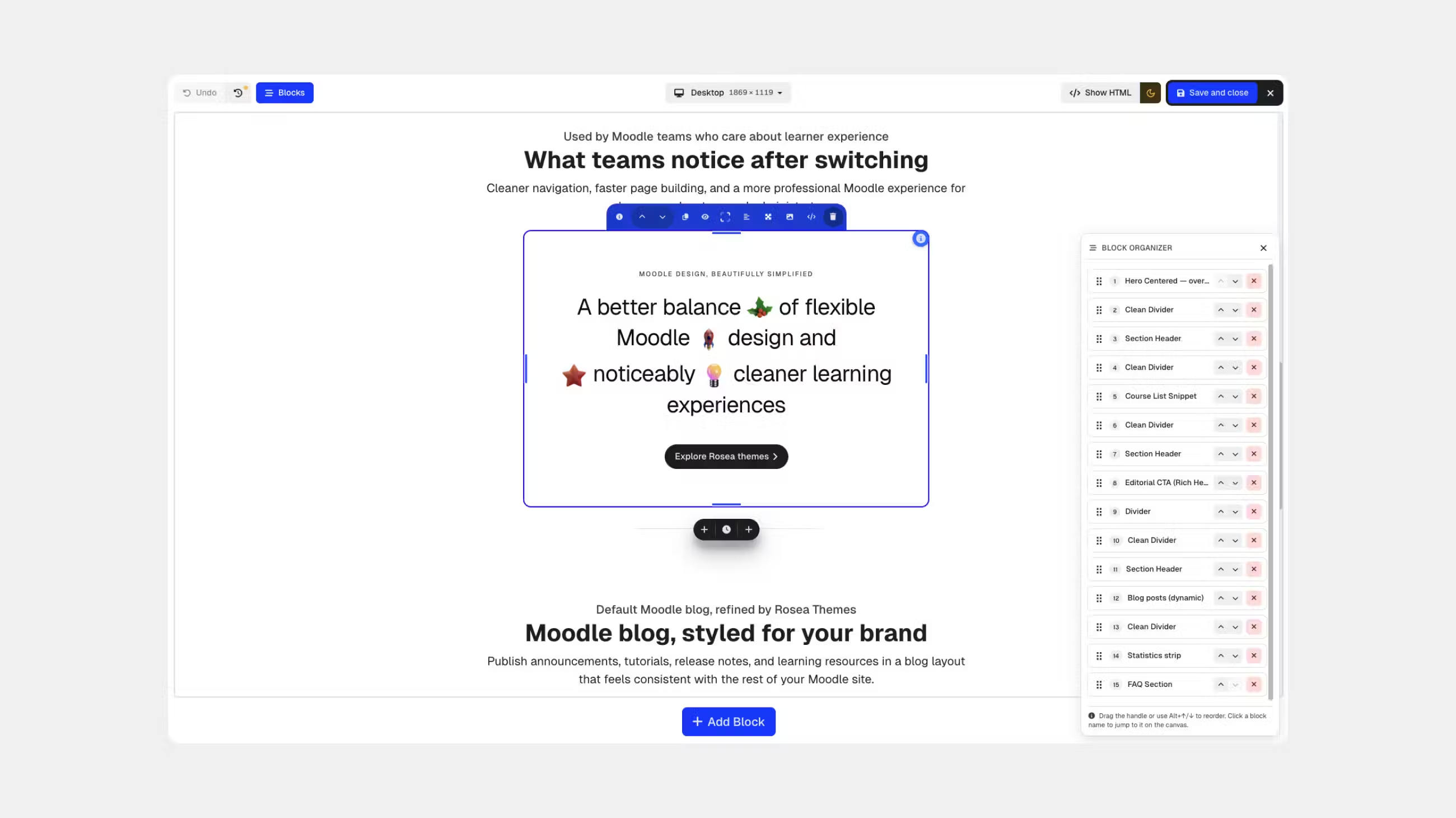
Space shares its admin tools with Alpha and XY. Build pages and menus, preview changes, and move your settings between sites.
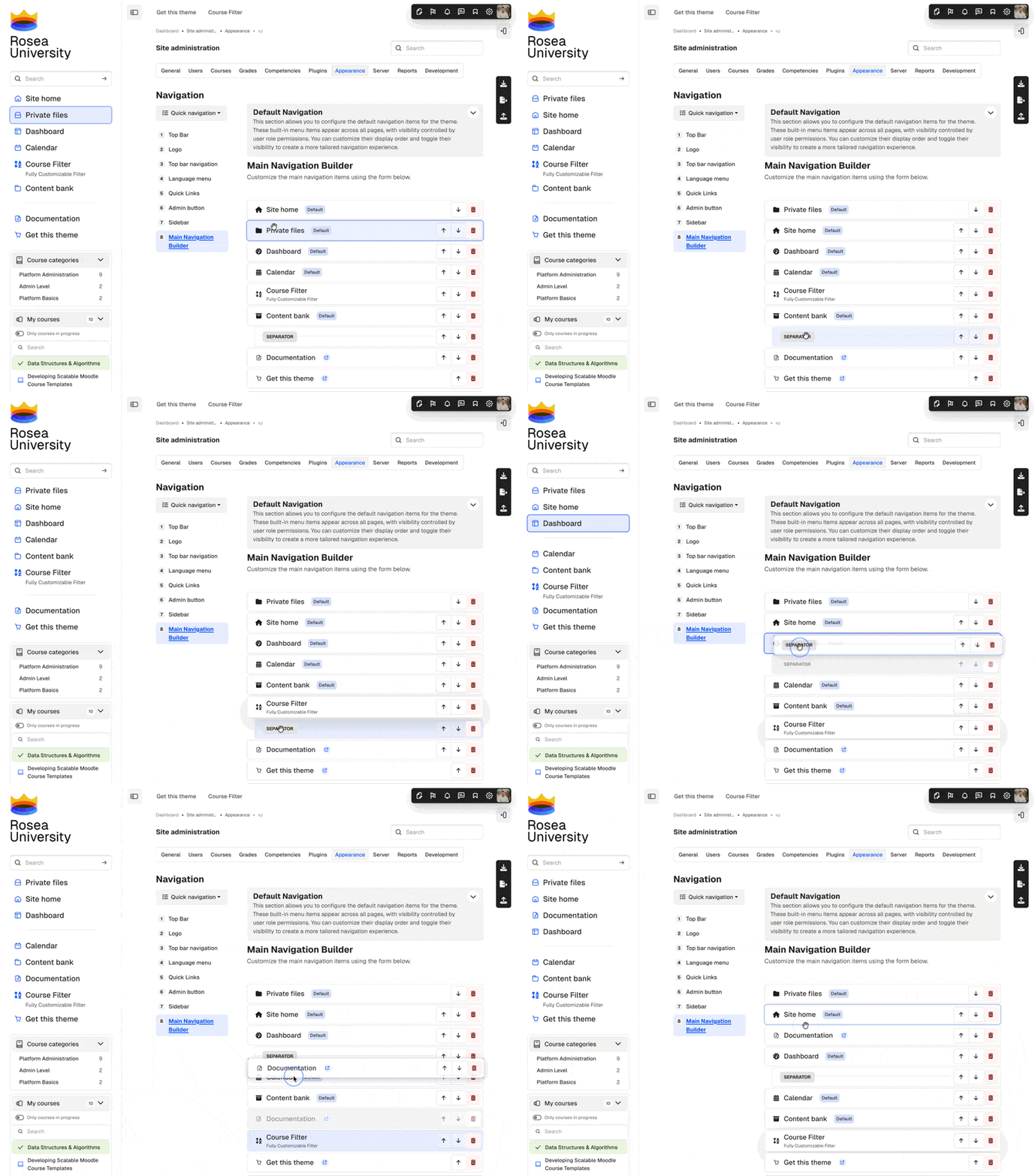
Menu Builder
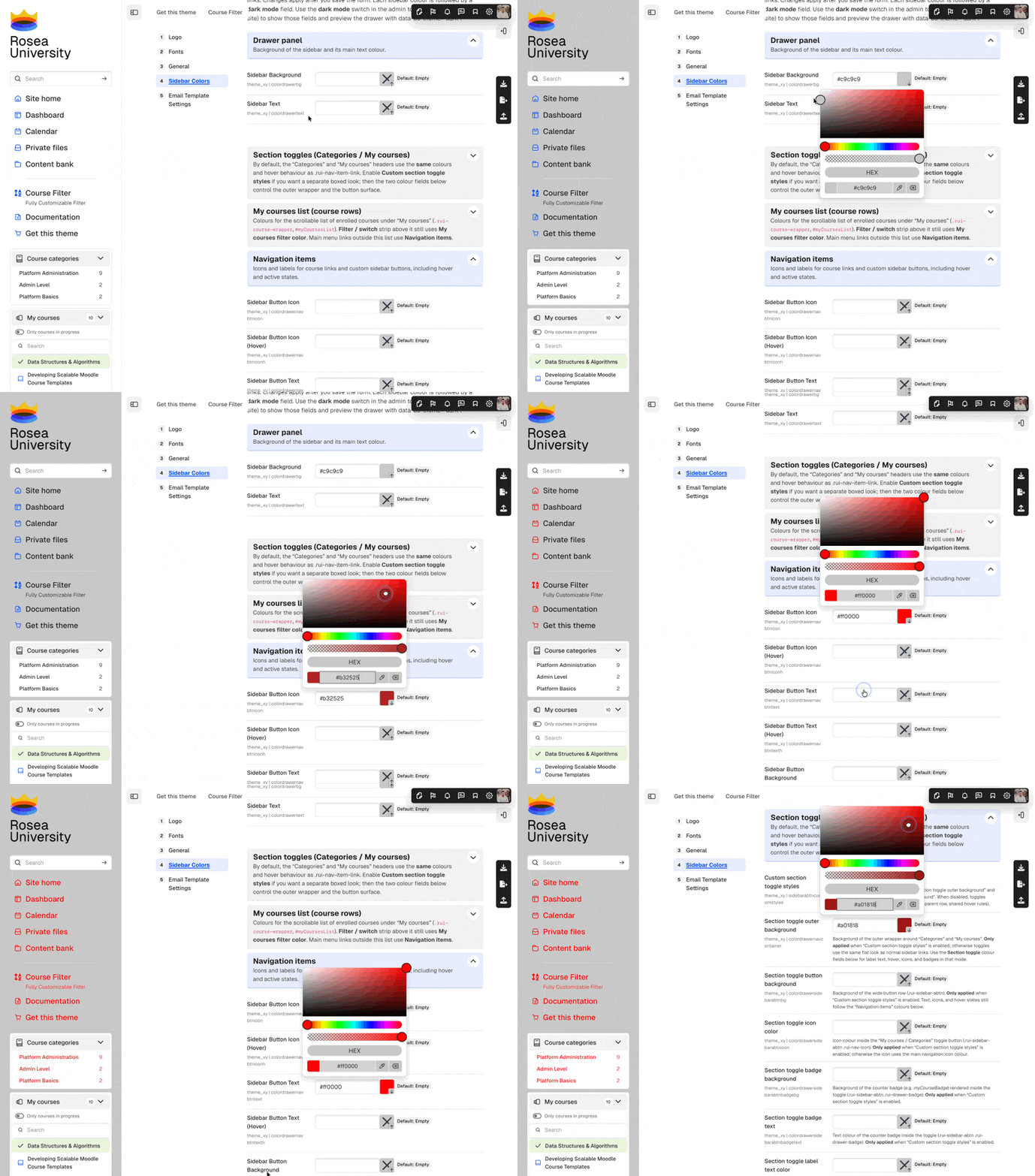
Live customizer
Plugins included with Space
Included with every license purchased directly from RoseaThemes.
- Rosea Admin Stats
- Rosea Dashboard Stats
- Rosea Buttons
- Global Search
Explore related themes


Accessibility
WCAG 2.1 guides updates to Space’s Moodle templates.
-
Keyboard navigation
Skip links and keyboard controls.
-
Visible focus
Focus styles identify the active control.
-
Contrast
AA contrast targets for text and controls.
-
Structure and ARIA
Semantic markup for assistive technology.
Test Moodle core, plugins, course content and custom colors separately.
View WCAG summary